Artwork Guidelines for Custom Bottle Openers
To ensure the best possible print quality for your custom bottle openers, please review the following artwork guidelines before uploading your design. Following these recommendations will help avoid delays and ensure your final product looks sharp, clean, and professional.
Accepted File Types & Quality Requirements
For best results, we recommend uploading:
- High-resolution PNG or JPG files
- Vector files such as SVG or EPS (preferred)
- PDF files with high-quality export settings
Image Quality
- Minimum resolution: 300 DPI
- Larger images produce better results
- Avoid low-resolution files, thumbnails, or compressed images
High-quality artwork ensures your custom bottle opener prints clearly, with crisp lines and vibrant colors.
Recommended Image Size
For optimal print results, your artwork should be as large as possible.
As a general guideline:
- Your image should appear at least ¾ the size of your screen at actual size
- Recommended resolution: 2400 × 800 pixels at 300 DPI (or higher)
If your image is too small, it may appear blurry or pixelated when printed.
Bottle Opener Size Reference
Each bottle opener style has different proportions. While exact templates are available (see below), here are approximate dimensions for reference:
- Standard Bottle Openers: ~7.25″ × 1.75″
- Cocktail Strainer Bottle Opener: ~7.25″ × 1.75″
- Pour Spout Remover Bottle Opener: ~7.25″ × 1.75″
- V Rod Bottle Opener: ~7.25″ × 1.25″ (wider at end)
- Mini Bottle Opener: ~4.25″ × 1.25″
- Business Card Bottle Opener: ~3.5″ × 2.25″
- Gun Bottle Opener: ~5.75″ × 4.25″
For exact layouts, guides, and bleed areas, download our templates below.
Download Design Templates
For the most accurate results, we recommend using our downloadable templates for each bottle opener style. These templates include exact dimensions, safe areas, and alignment guides to ensure your design prints exactly as expected.
Download Bottle Opener Templates
How to Upload Your Artwork & Place Your Order
Uploading your design is simple using our Designer Lab. No design experience needed — just upload your artwork, customize your layout, and see your bottle opener come to life in real time.
-
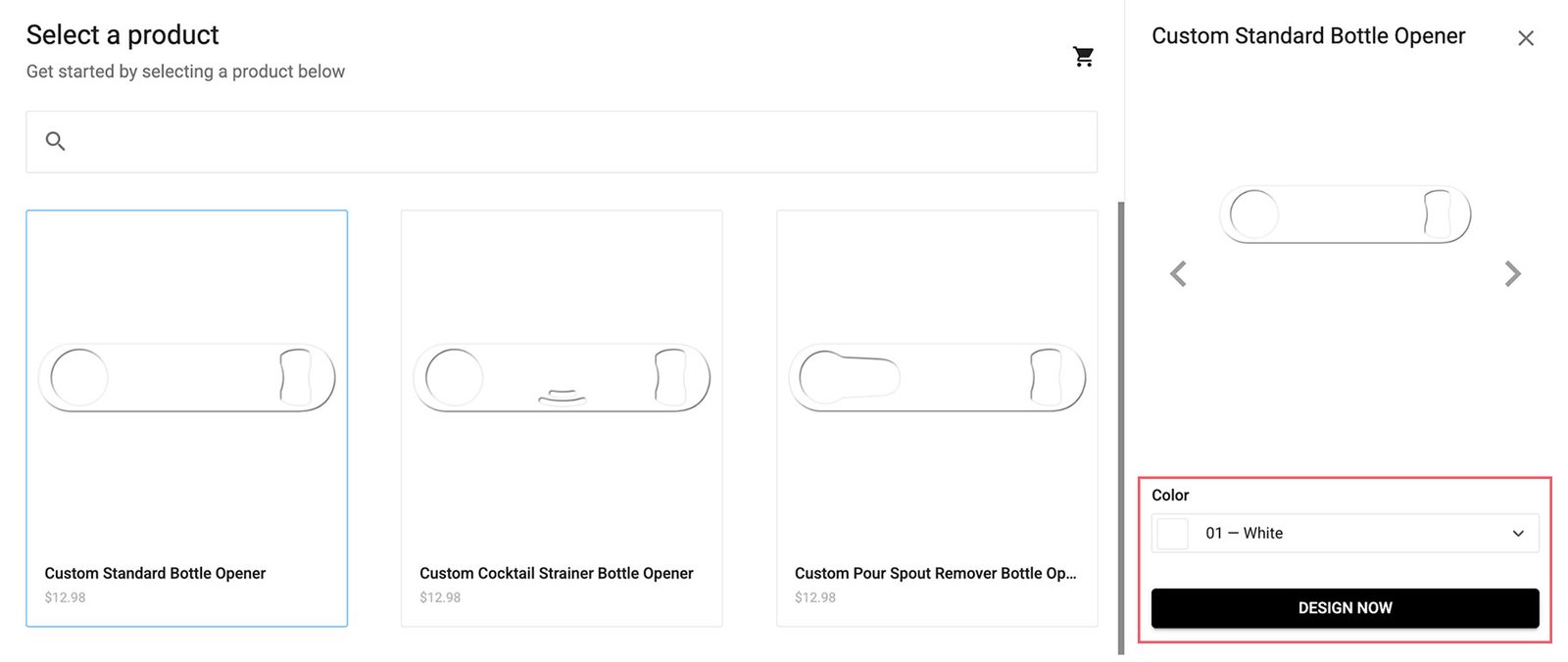
Choose Your Bottle Opener
Start by selecting the bottle opener style you’d like to customize. Choose from seven different styles, including standard, cocktail strainer, pour spout remover, v-rod, mini, business card size, and gun-shaped openers.
-
Select Opener Color & Launch the Designer
Choose your preferred bottle opener color from the dropdown menu, with a wide range of solid colors and gradient finishes available. Once selected, click “Design Now” to open the online design tool.
-
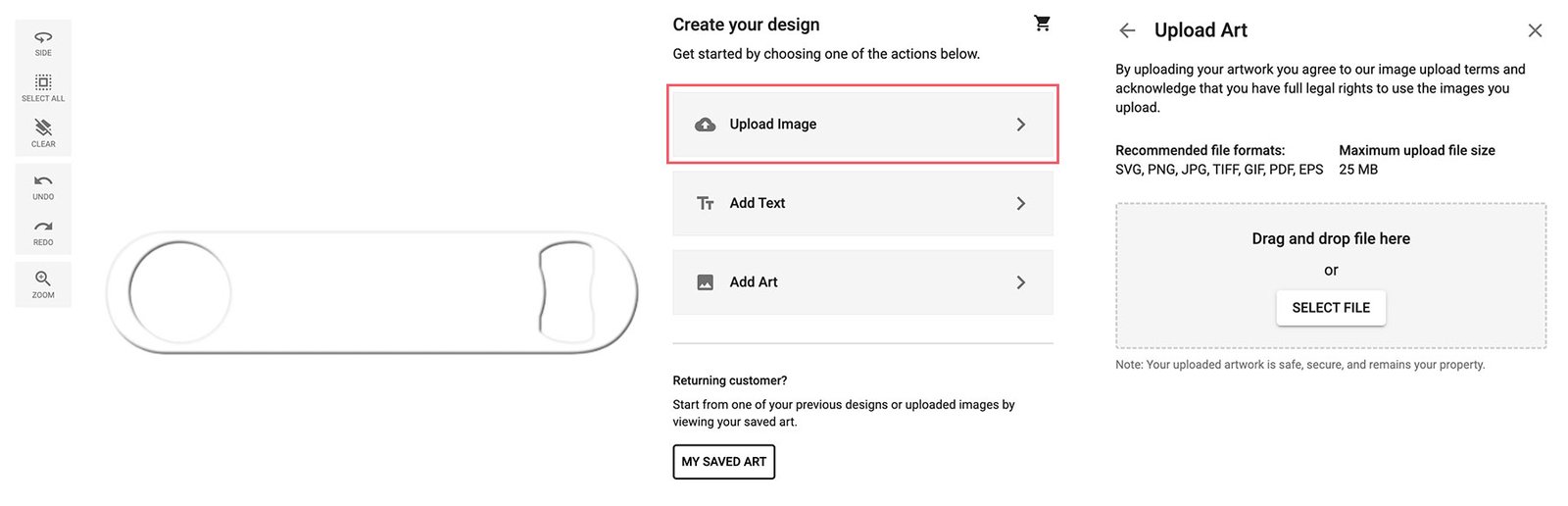
Upload Your Artwork
Inside the designer, choose “Upload Image” and select your file.
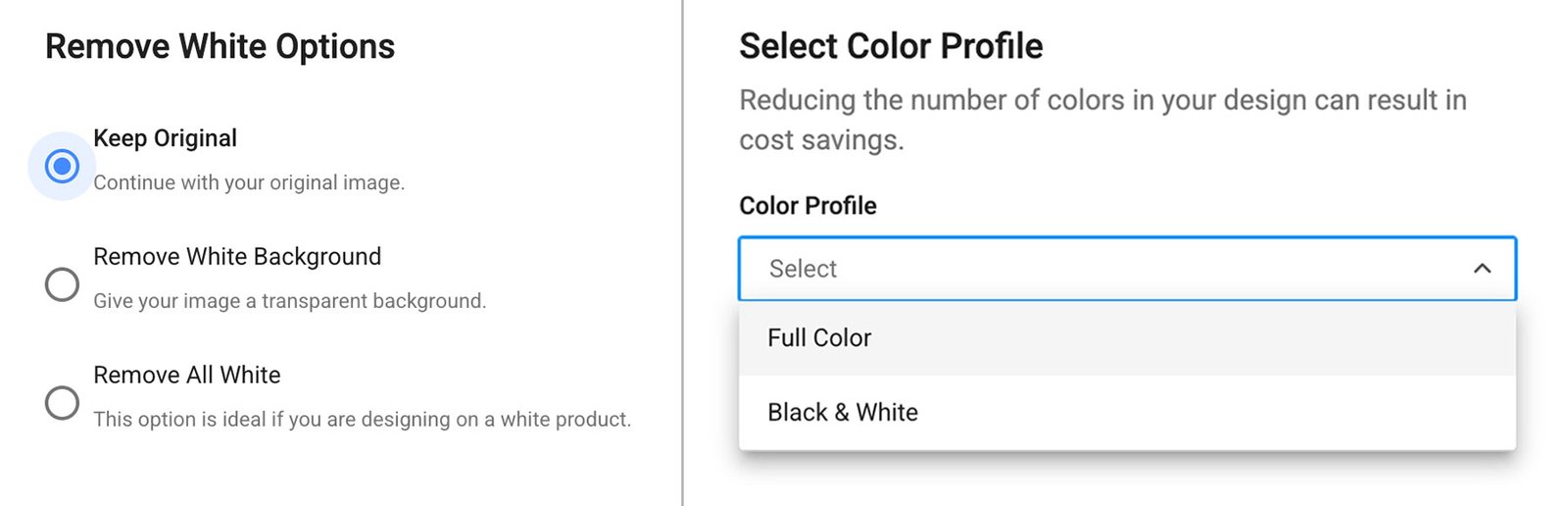
You’ll be prompted to adjust a few settings:
Remove White Options:
- Keep Original
- Remove White Background
- Remove All White
Color Profile:
- Full Color
- Black & White
-
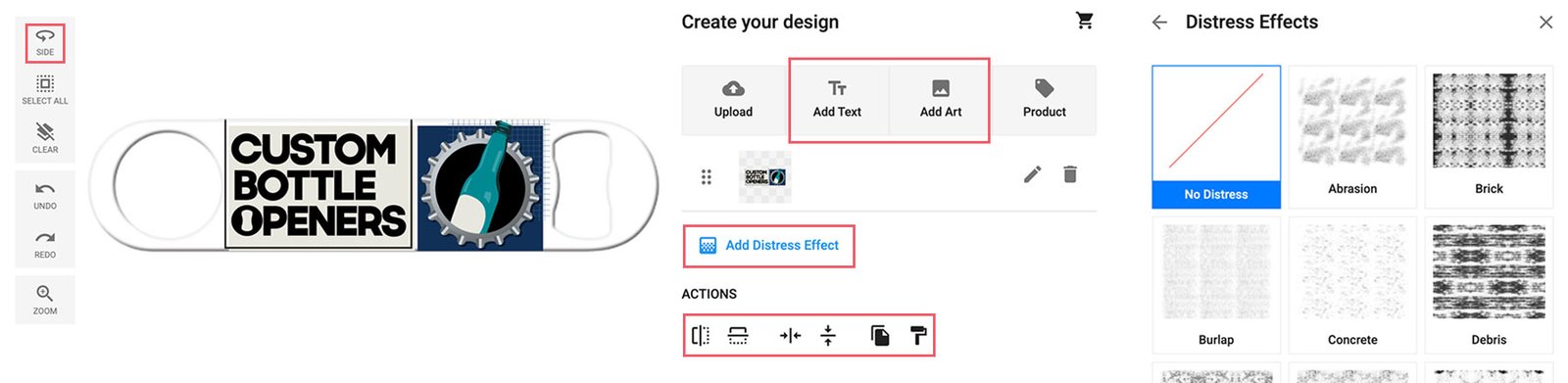
Customize Your Design
Once your artwork is placed, adjust the size, position, and layout as needed. You can also:
- Add text, graphics, and elements from our design library
- Apply effects using the "Distress Effect" option
- Switch between sides of the opener to design both front and back
-
Review Your Design
Preview your layout and double-check spelling, alignment, and placement before moving forward.
-
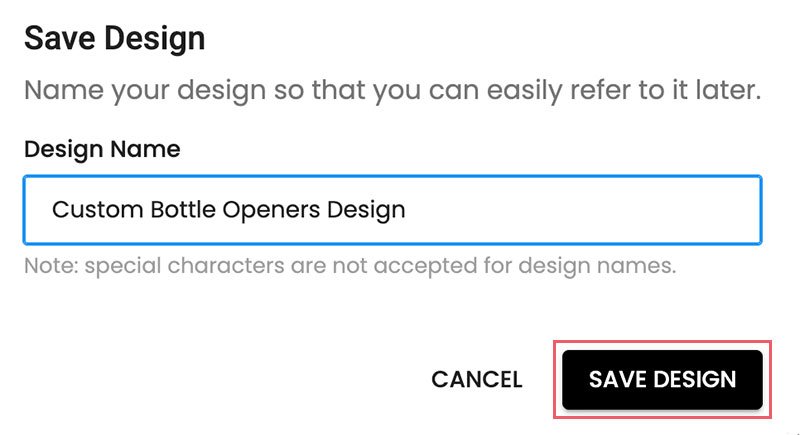
Save Your Progress
Save your design to ensure nothing is lost and to make future edits easier.
-
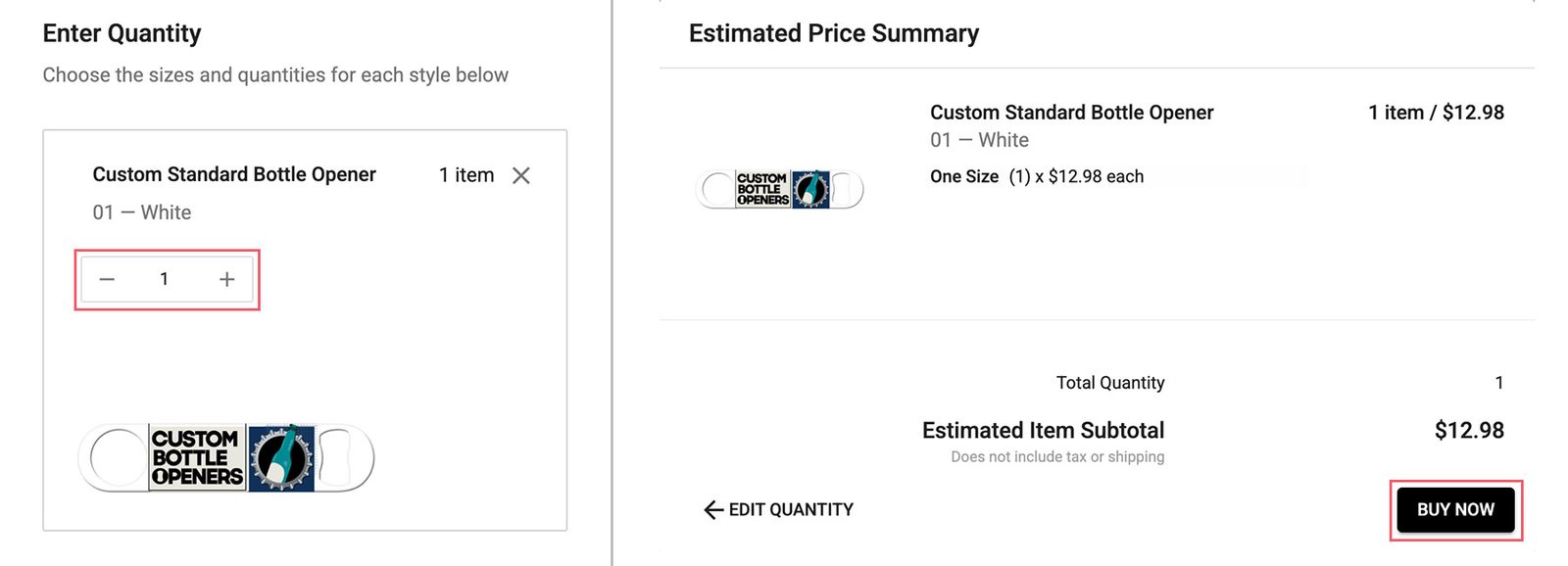
Set Quantity & Pricing
Proceed to the next step to select your quantity and view pricing — Larger quantities receive better pricing. View Bulk Discount Pricing
-
Complete Your Order
Finalize your purchase by following the checkout process.
Using Images from the Internet
You may only upload images that you have the legal right to use.
By uploading artwork, you confirm that:
- You own the rights to the image, OR
- You have permission from the original creator
We do not print copyrighted or protected material without proper authorization. If needed, we may request proof of usage rights. Orders may be delayed or canceled if rights cannot be verified.
Content Restrictions
We support creative freedom, but we will not print designs that include:
- Hate speech or discriminatory content
- Racist or offensive symbols or language
- Content promoting harm or violence
- Animal abuse or harmful imagery
We reserve the right to decline any artwork that does not align with our standards.
Need Help with Your Design?
If you're unsure whether your artwork will work, our team is here to help. We can review your design, provide feedback, and help you prepare it for the best possible print quality. Contact us for design assistance
Before You Place Your Order
To avoid delays, please ensure:
- Your artwork meets resolution requirements
- You have rights to use all uploaded images
- Your design is finalized or ready for review
Orders that require clarification or corrections may be paused until resolved.
Looking for Design Inspiration?
Browse real examples from past customers (and some of our own) to see what’s possible. View Custom Bottle Opener Examples.
Terms & Conditions
For full policies regarding orders, artwork usage, and production, view our Terms & Conditions.
FREQUENTLY ASKED QUESTIONS
Vector files such as SVG or EPS provide the best results, as they maintain sharpness at any size. High-resolution PNG and JPG files (300 DPI or higher) also work well for most designs.
If your artwork is too small or low resolution, it may appear blurry or pixelated when printed. In these cases, we may contact you to request a higher-quality file, which can delay production.
Templates are not required, but they are highly recommended. Using a template helps ensure your design is properly aligned, sized, and positioned for the best print results.
Yes. You can upload your own logo, images, or artwork directly in our design tool. Just make sure you have the rights to use any files you upload.
Absolutely. If you’re unsure about your file setup, our team can review your artwork and help you get it ready for production.
Have More Questions? For additional details about ordering, production, and customization, view full FAQ page.